
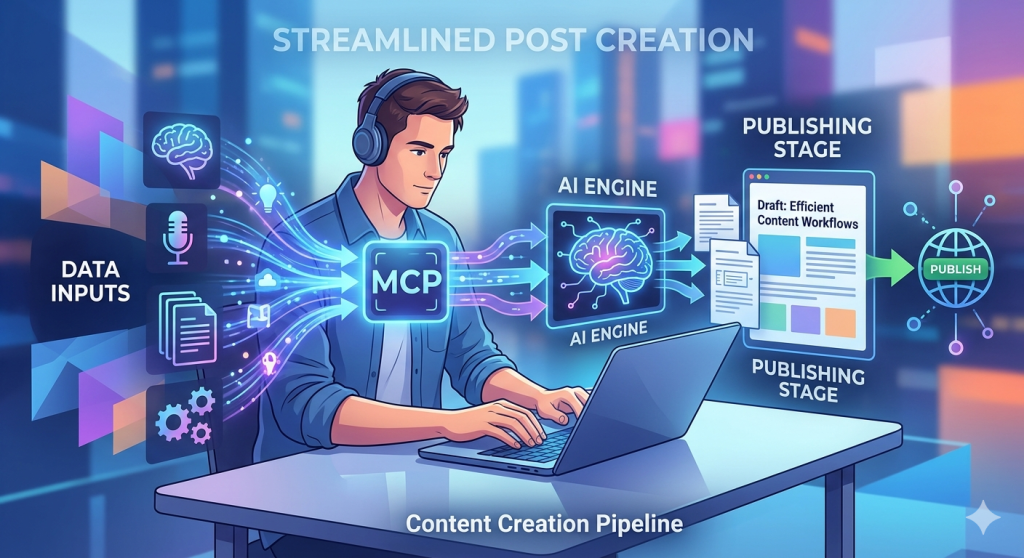
What you’re reading right now is a little experiment in AI-powered publishing. This post was written, drafted, and sent to WordPress by Claude — Anthropic’s AI assistant. No copy-paste. No switching tabs. Just a conversation.
Here’s how it works — and how you can do it too.
What Is the WordPress MCP Connector?
MCP stands for Model Context Protocol — an open standard that lets AI assistants like Claude connect directly to external tools and services. WordPress.com has built an MCP server that gives Claude the ability to read and write content on your site, all from within a chat conversation.
Think of it as giving Claude a direct line to your WordPress dashboard — without you ever having to open it.
Step 1: Enable the WordPress MCP Connector
First, you need to turn on MCP access for your WordPress.com account:
- Go to wordpress.com/me/mcp
- Enable the abilities you want Claude to have — at minimum, enable user-sites and content authoring
- Copy your MCP server URL (it will look something like
https://public-api.wordpress.com/wpcom/v2/mcp/v1)
Step 2: Connect It in Claude.ai
Next, connect the WordPress MCP server inside Claude:
- Open Claude.ai and go to Settings → Integrations
- Find WordPress.com in the connectors list and click Connect
- Authenticate with your WordPress.com account when prompted
Once connected, Claude can see your sites and interact with them directly from chat.
Step 3: Ask Claude to Write a Post
This is the fun part. Just tell Claude what you want:
“Let’s write a blog post for useaitolearn.net using WordPress.”
Claude will ask about the topic, draft the content, show it to you for review, and — once you give the go-ahead — create it as a draft directly on your site. You stay in control: nothing gets published without your confirmation.
The Meta Part
Here’s the twist: this post is the example.
The conversation that produced this blog post started with exactly that prompt above. Claude connected to this WordPress site, pulled the theme context, drafted the content, and submitted it — all without me ever opening the WordPress editor.
It’s a small but genuine glimpse at what AI-assisted publishing looks like in practice. Not AI replacing the writer, but AI handling the mechanics so the writer can focus on the idea.
Why This Matters for Learning
At Use AI to Learn, we’re always exploring how AI tools can reduce friction and help you do more. The WordPress MCP connector is a great example: instead of learning a new interface or workflow, you just… talk. And the thing gets done.
That’s the future of AI-assisted work. And you can try it today.
Want to try it yourself? Start at wordpress.com/me/mcp and connect Claude to your site. Then just start a conversation.


Leave a comment